Fleet asset and equipment cards
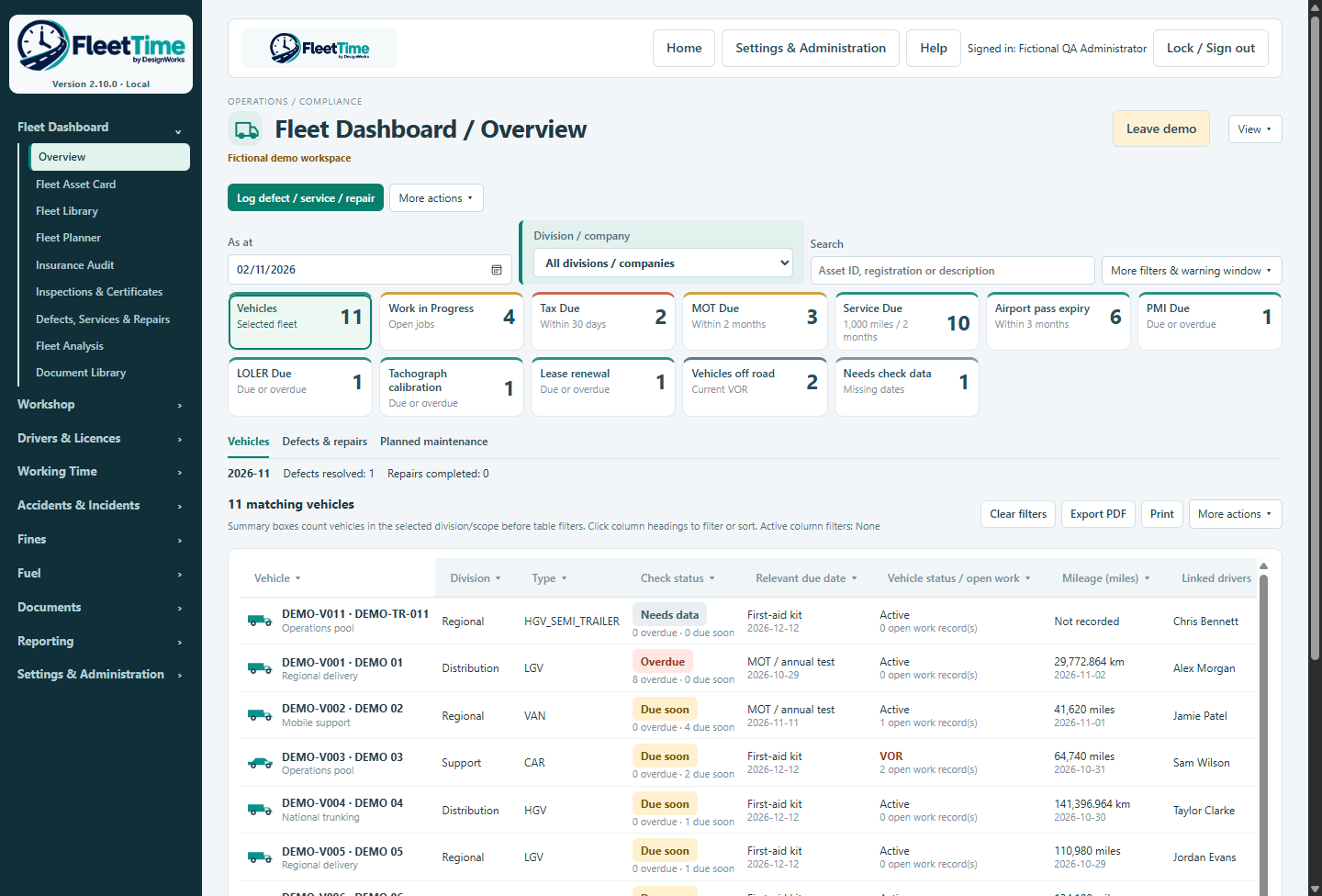
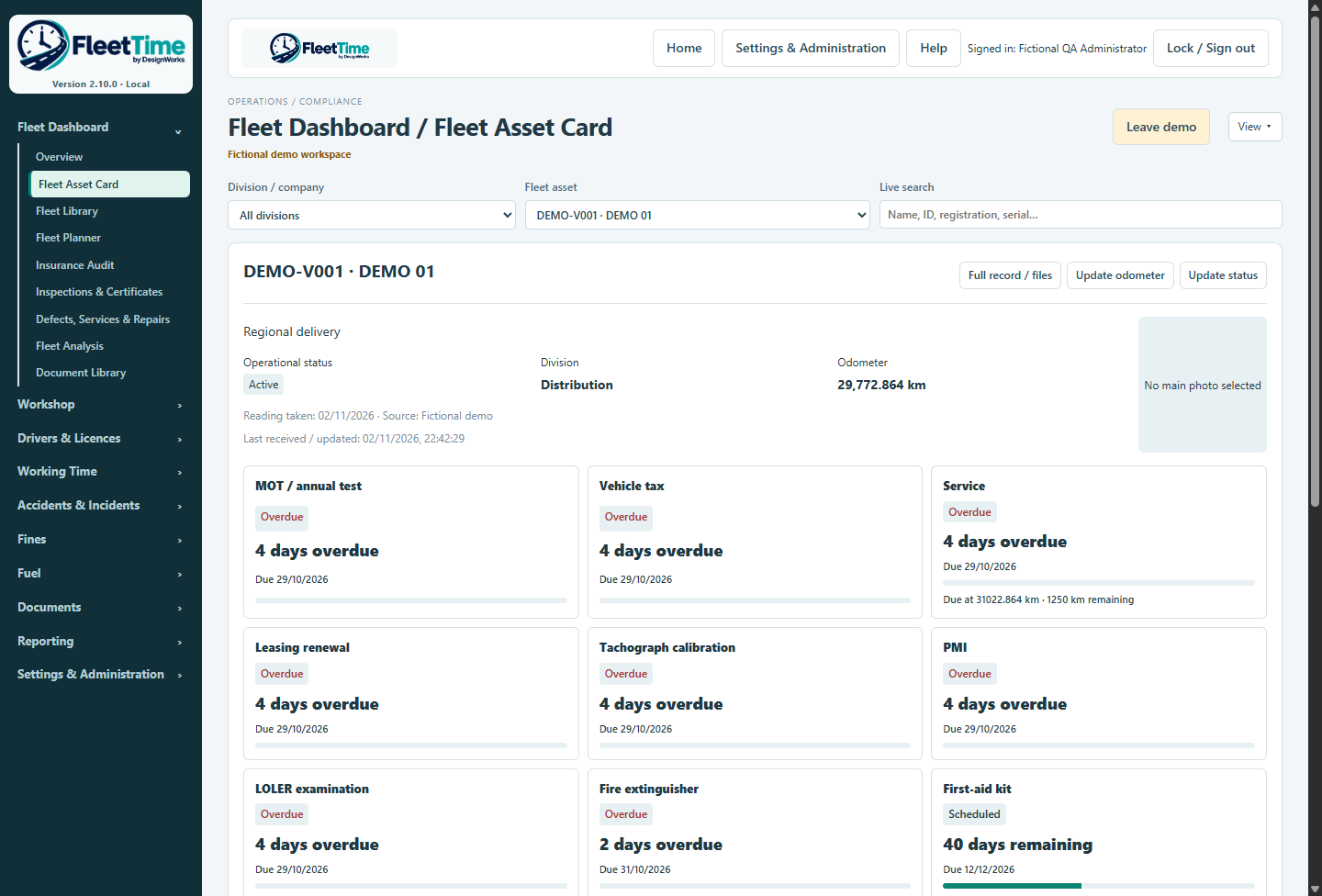
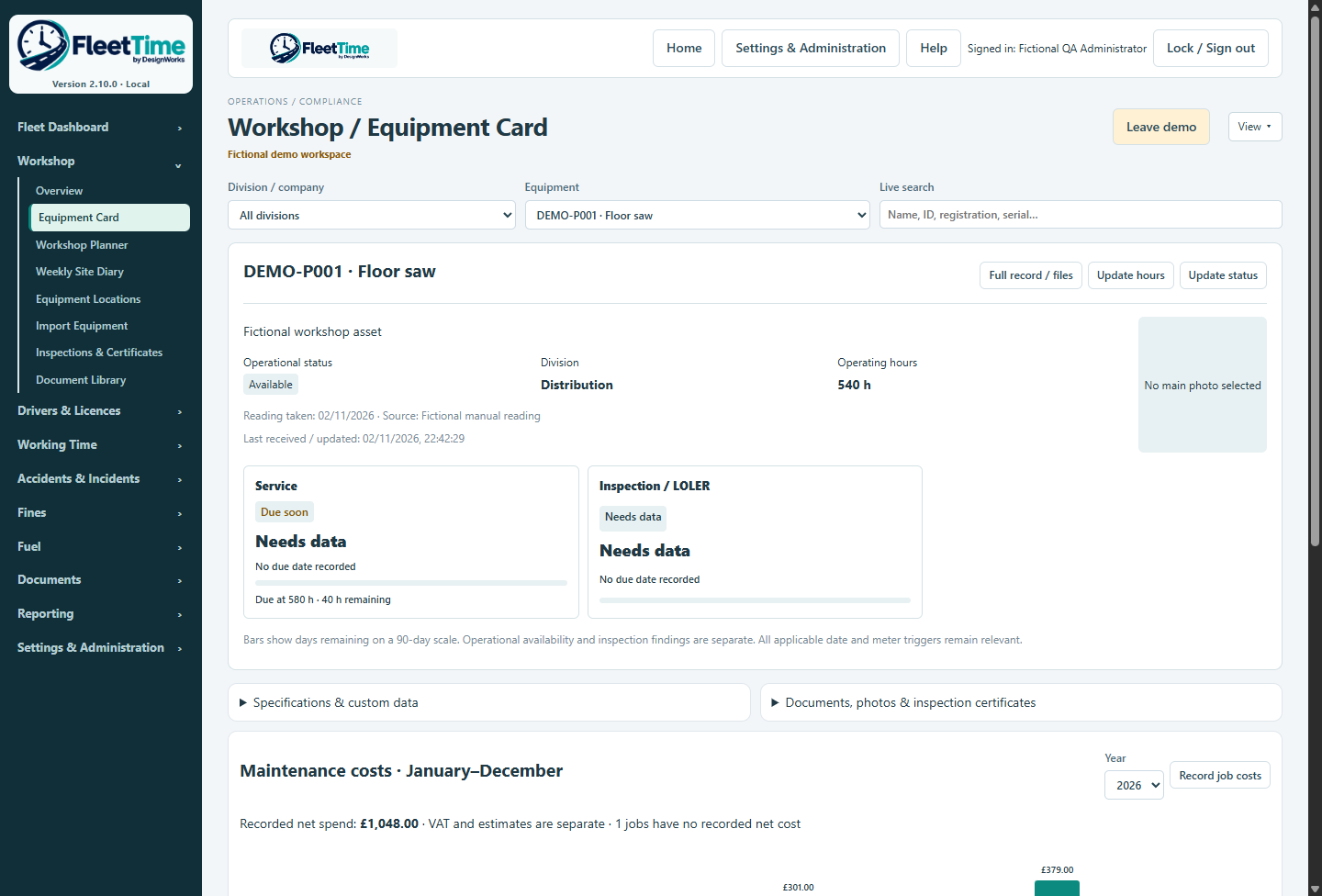
Find vehicles, trailers and equipment through compact connected records. Review status, due dates, evidence and the selected main photograph without creating duplicate assets.

Find vehicles, trailers and equipment through compact connected records. Review status, due dates, evidence and the selected main photograph without creating duplicate assets.
Keep the unit, reading date and source visible. Equipment can use operating hours, distance, both or neither. Explicit conversion avoids silently relabelling a vehicle reading.
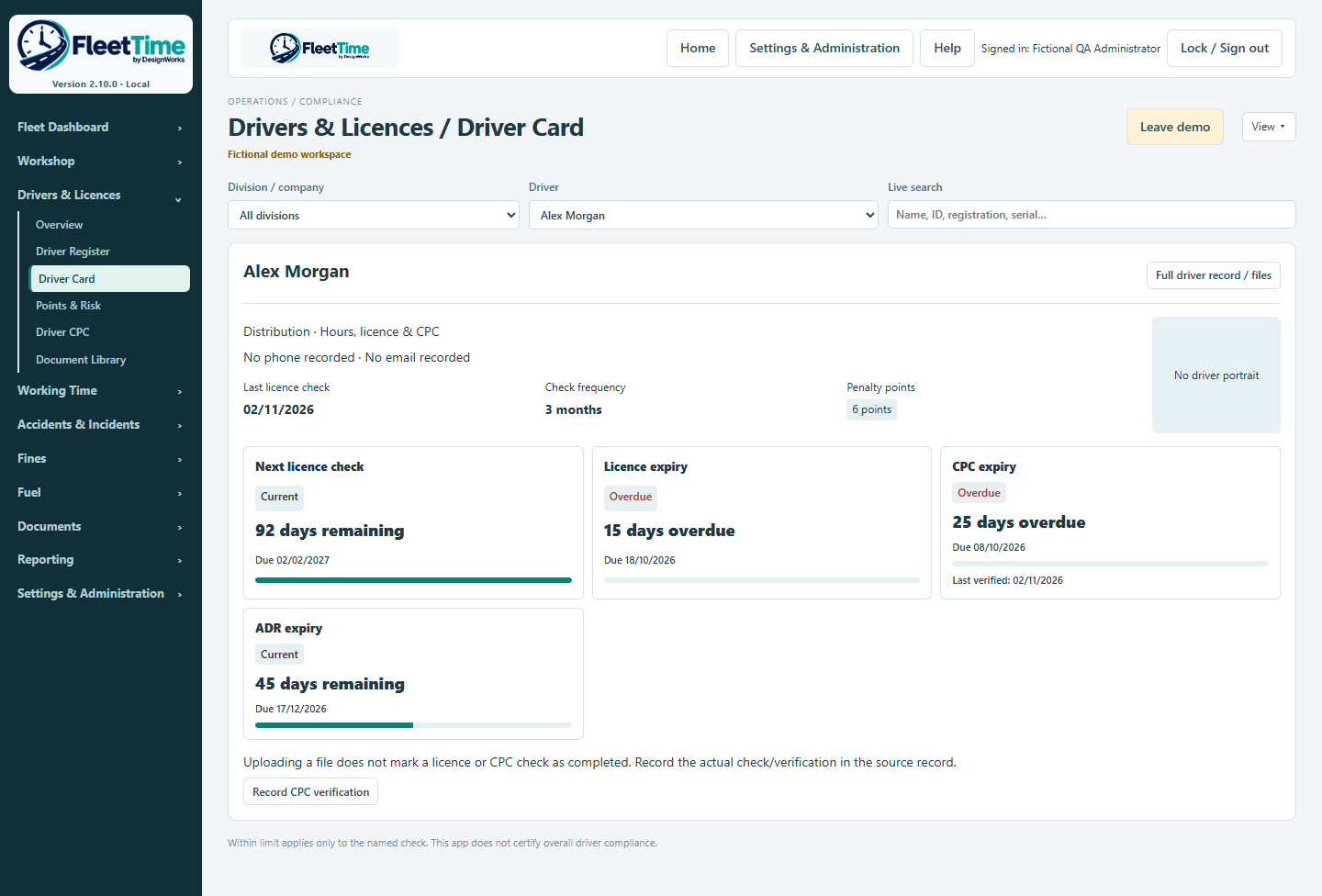
Record checks, points, entitlements, expiry dates and evidence against one driver. The Driver Card separates the last licence check, next check and CPC verification. This is manual check logging, not automatic DVLA verification.
Review weekly working time and reference averages, with missing weeks kept explicit. The normal 17-week reference, 48-hour average and separate 60-hour weekly ceiling are distinct. Daily driving, rest and break checks need sufficient activity data.
Record parts, labour, other costs, VAT, cost centre and invoice reference against work. January–December charts and detailed reports distinguish actual costs, estimates and unknown amounts.
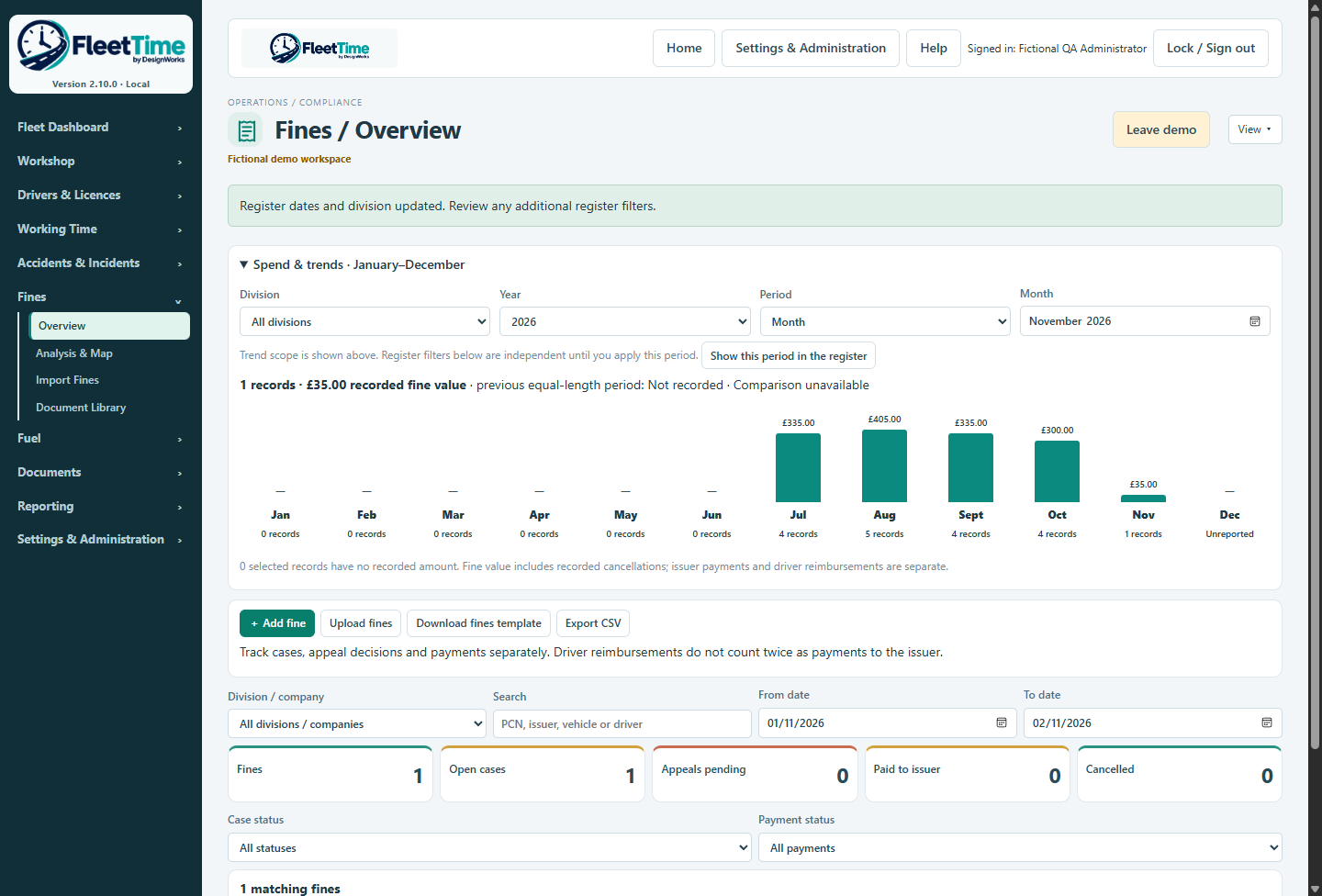
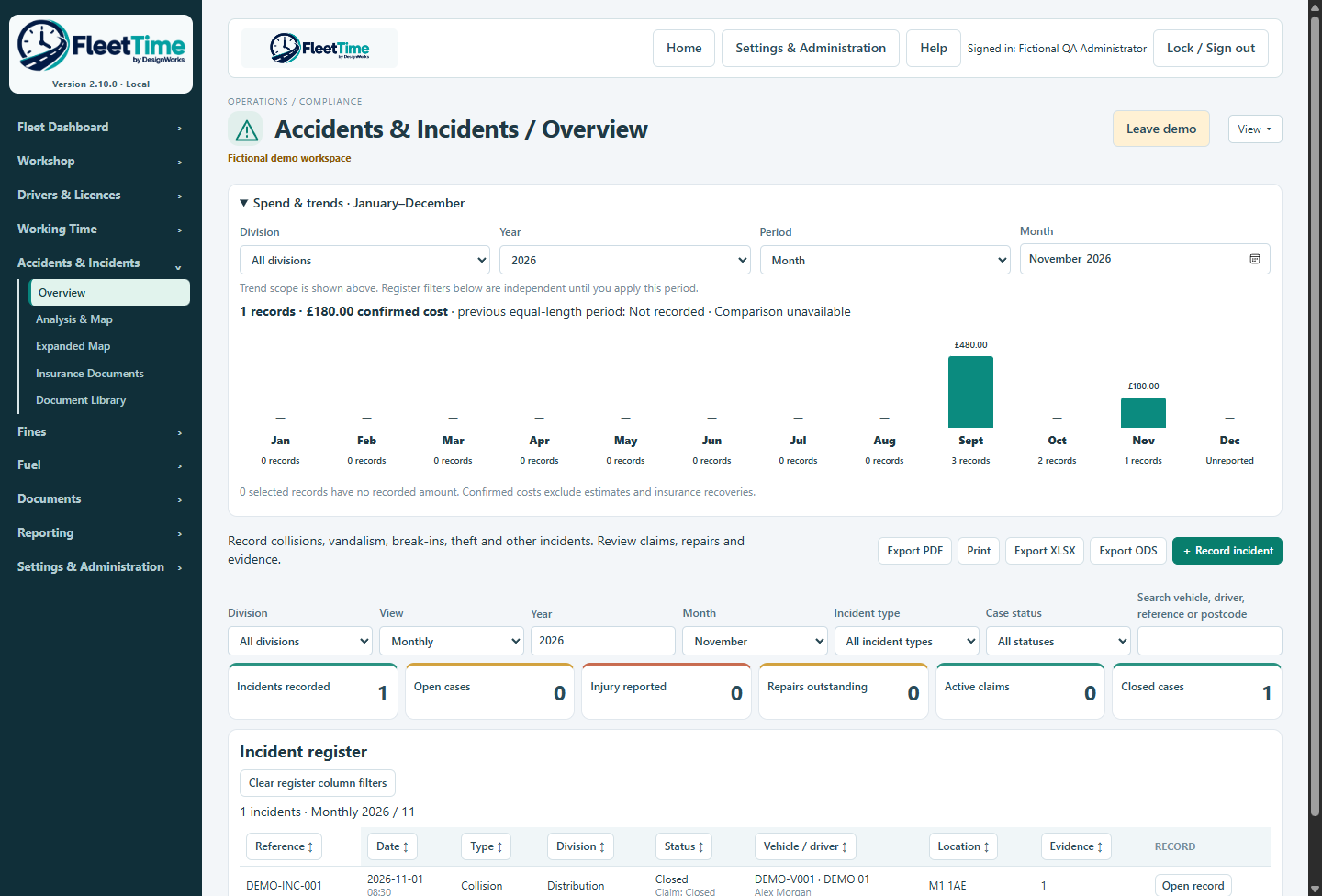
Review recorded purchases, cases, payments and costs by division and period. Use trend panels, filters and linked records to investigate exceptions. An alert indicates a review need, not confirmed misuse or liability.
Search permitted document metadata across the operation, preview supported originals and return to the source record. Access follows the user’s section and document permissions; automatic full-text OCR is not promised.
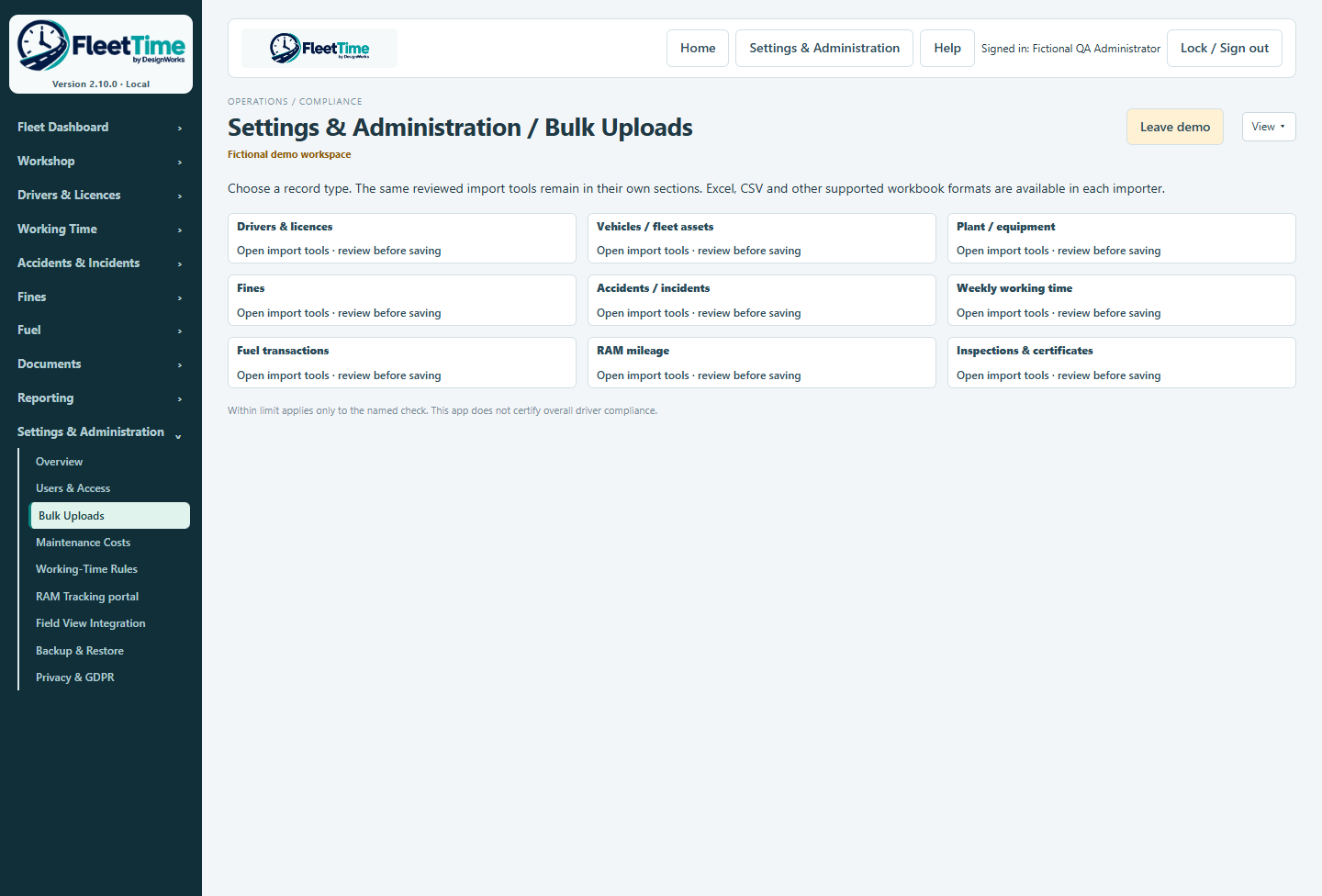
Bulk Uploads provides one starting point for the operational import tools. Review recognised columns, dates, units, duplicate warnings and unmatched records before committing source data.
Create individual accounts and grant the sections/actions needed. Network administrators review computer pairing requests separately from user permissions. Complete backups include uploaded originals and can use encrypted multipart archives.
Inside FleetTime
These illustrations are captured from the 2.10.0 testing build using fictional demonstration records. Click an image to see it at full size. Features and instructions should be matched to your installed version.

The operational detail
Keep a permanent asset ID alongside registration, Ministry identifier, VIN or serial number. Trailers and linked equipment retain their own maintenance and VOR history. Applicability and actual evidence determine which checks matter.
Review supported provider lists, matches, findings, certificates and supplied insurer schedules. A source Active status or a schedule match does not independently prove safe availability or insurance cover. Provider API onboarding and live validation remain separate.
Plan maintenance and equipment movements with location and job references. Keep originals with the record and verify a complete backup before upgrades or recovery. Cloud-sync folders can hold backup sets; ordinary synchronisation is not a live multi-user database connection.
2.10.0 is a testing build. RAM collection needs acceptance testing against the user’s RAM account. Browser-store publication, commercial code signing and Microsoft Store release are separate publisher work.